A little space.
For what matters.
Posato blocks the websites and apps you choose for a timed pause on your Mac or iPhone, now or on a schedule, within the limits below.
No Posato account, no analytics, and no Posato-operated server.


For Mac with macOS 13 or later, Apple silicon or Intel, and iPhone with iOS 18 or later
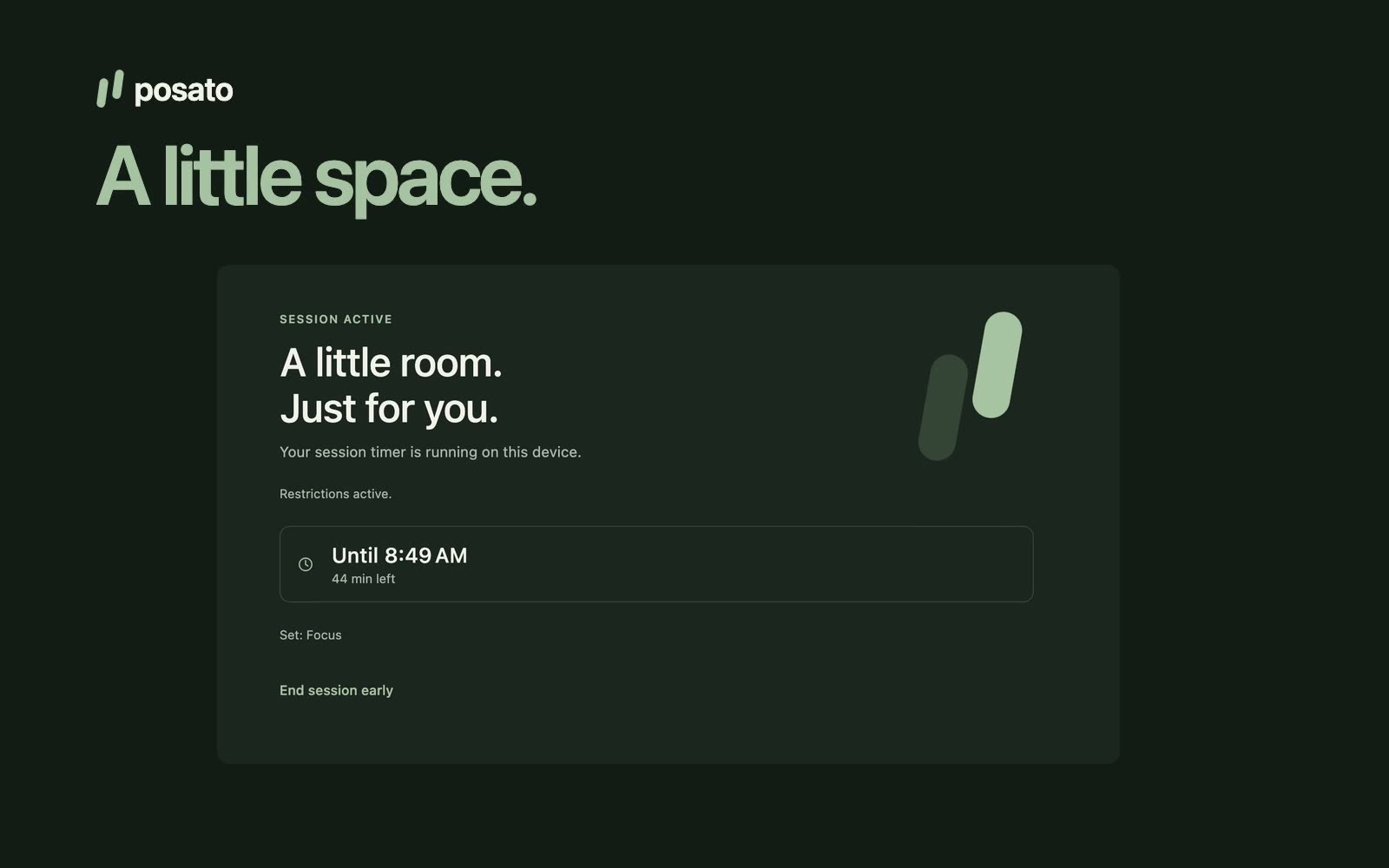
Choose what to pause
Group what you want to pause into pause sets, such as one for work and one for evenings. A set holds exact website domains and, on each device, the apps you choose there. One set is the default; pick another when you start a pause or plan a schedule. App choices stay on the device where you made them.
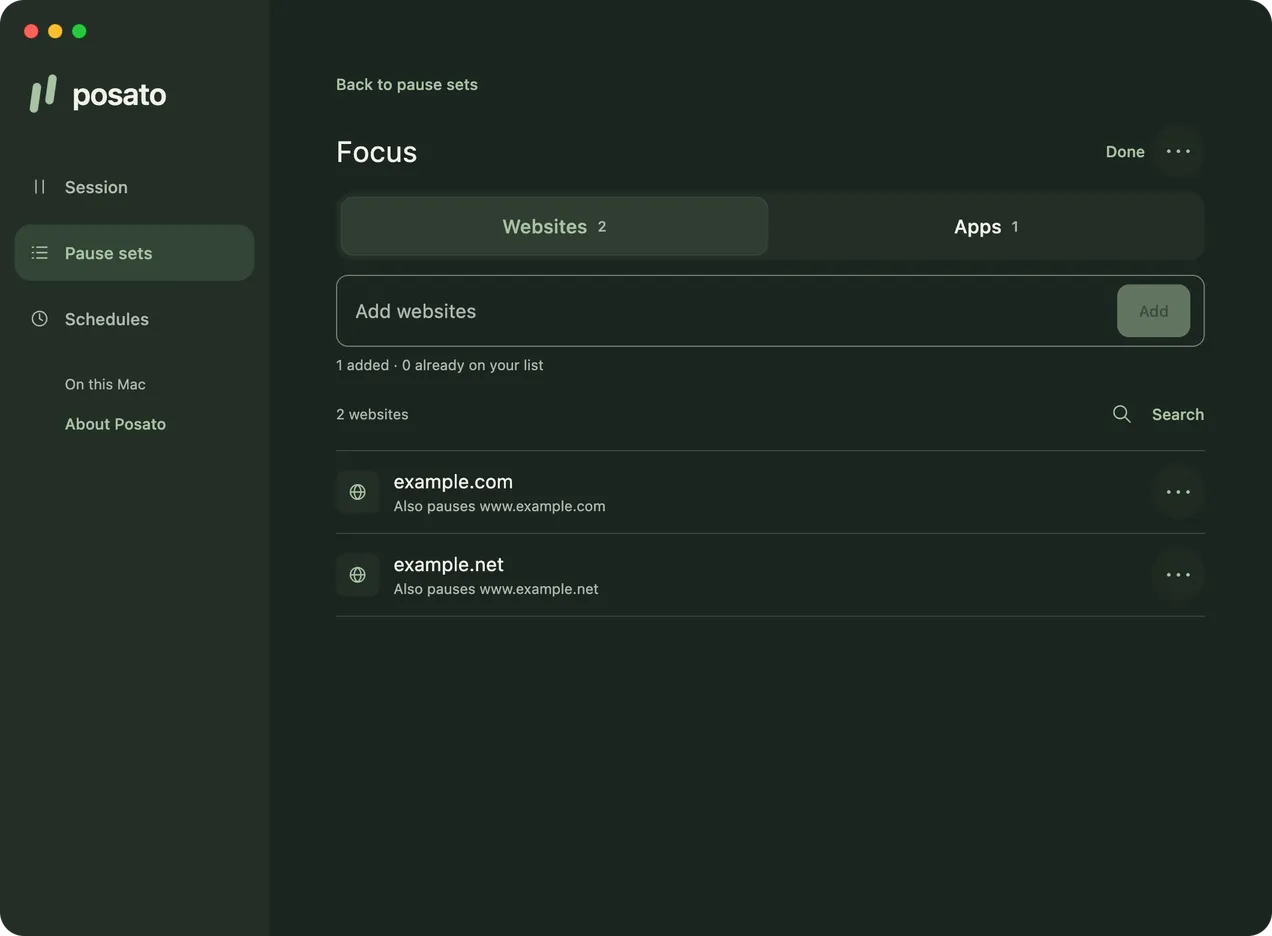
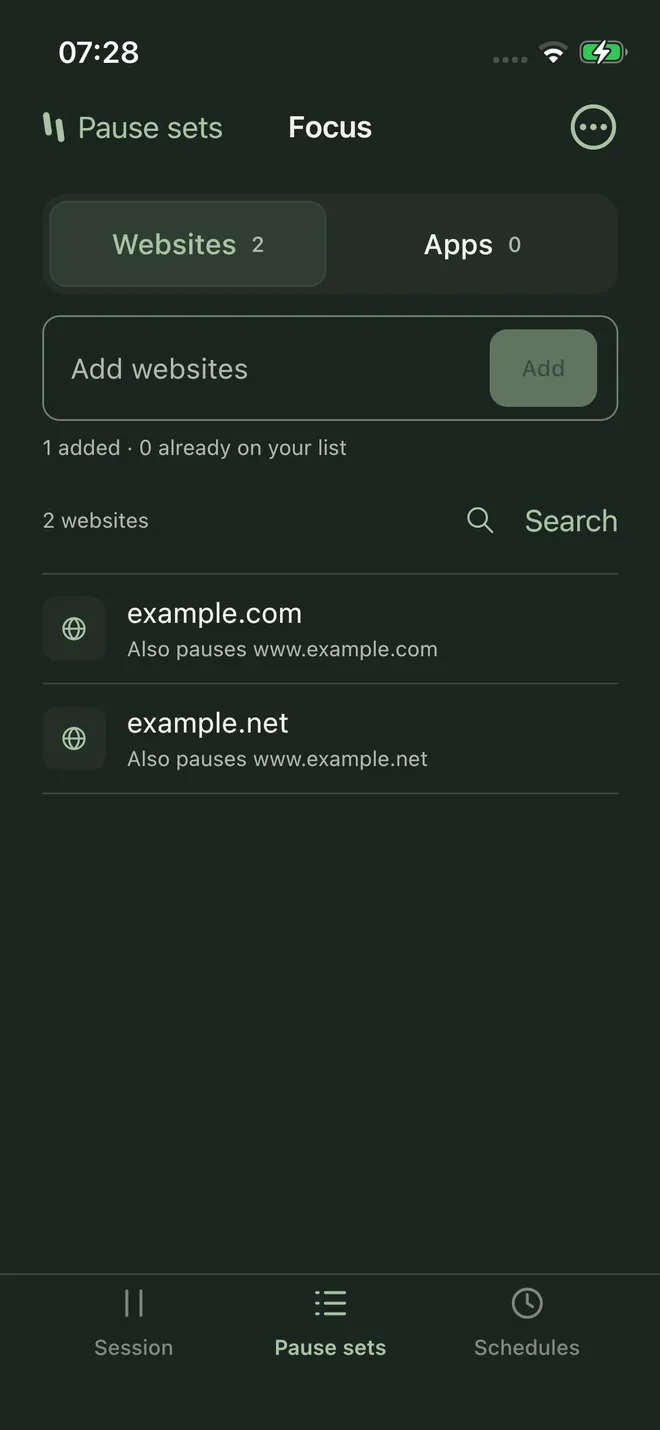
Start a timed pause
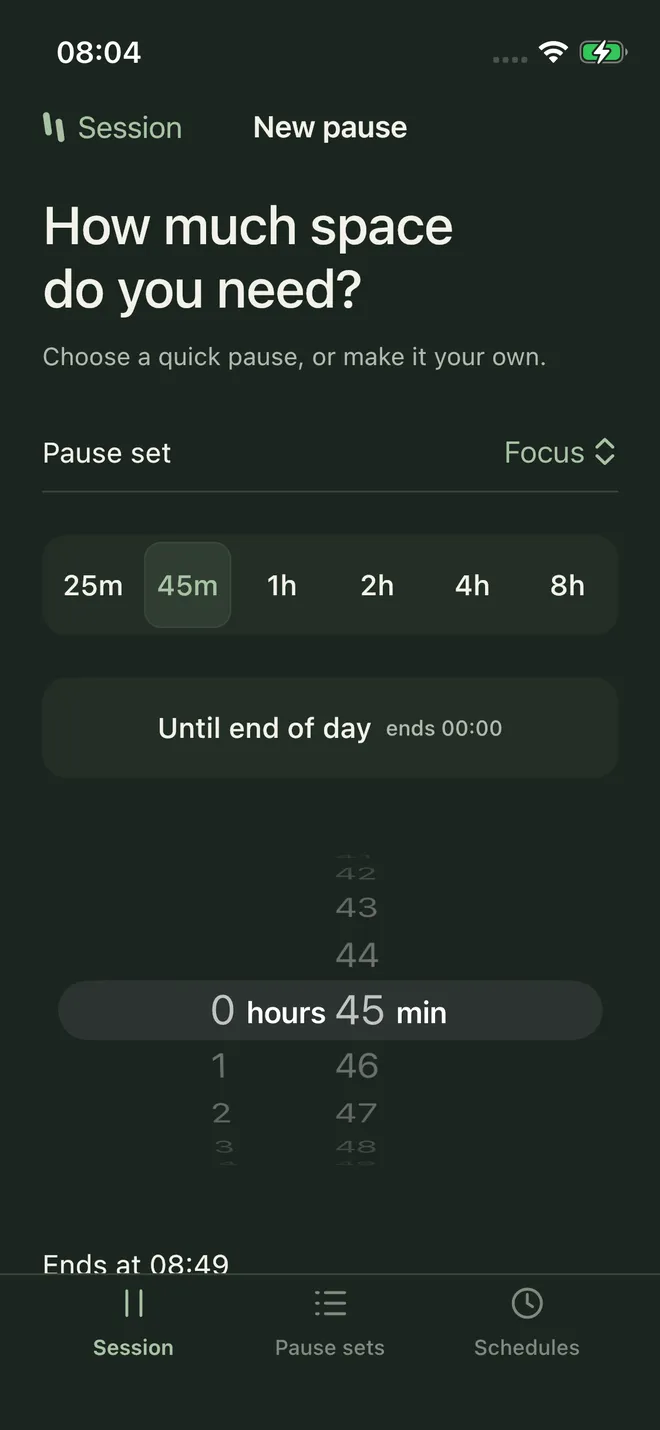
Choose a pause set and a duration: a quick choice from 25 minutes to 8 hours, Until end of day, or any length from 5 minutes to 24 hours (up to 23 hours 59 minutes on iPhone). Review your choices and start the session. Posato blocks your chosen websites and apps on that device, within the limits below. The session ends at the selected time or when you deliberately end it early. On iPhone, restrictions can linger after the session ends. On a Mac, a one-time setup lets pauses and schedules start without asking for your password each time.
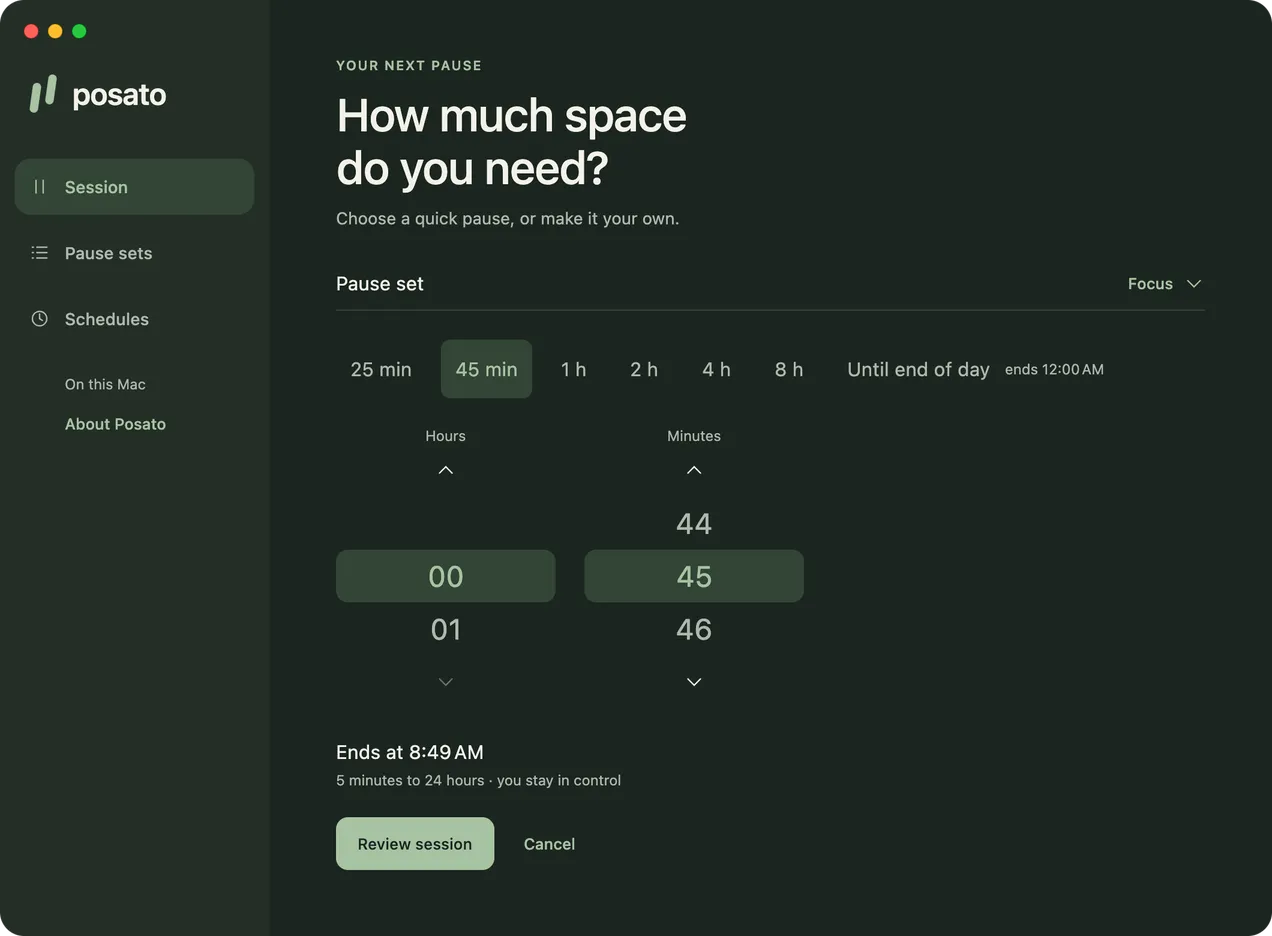
Plan pauses ahead
Add a schedule with a name, a pause set, weekdays, and hours, such as weekday mornings from 9 to 11. It starts and ends on its own on each device you set up, even with Posato's window closed or the iPhone app closed. Skip the next one or end one early when plans change. When pauses overlap, Posato pauses everything in their sets, within each device's limits, and each item stays paused until the last pause that includes it ends. Posato can tell you when a pause ends or when one starts on another device.
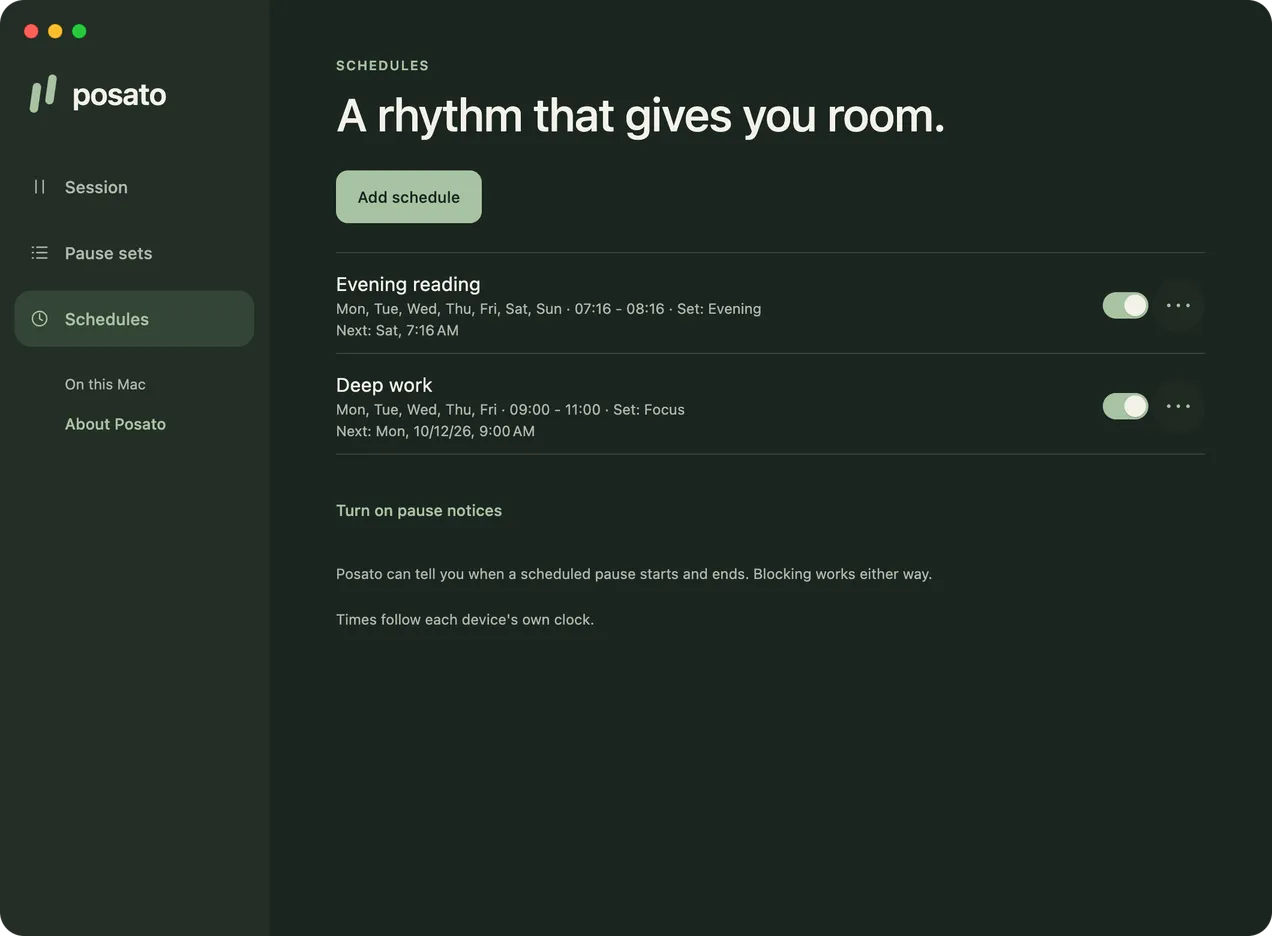
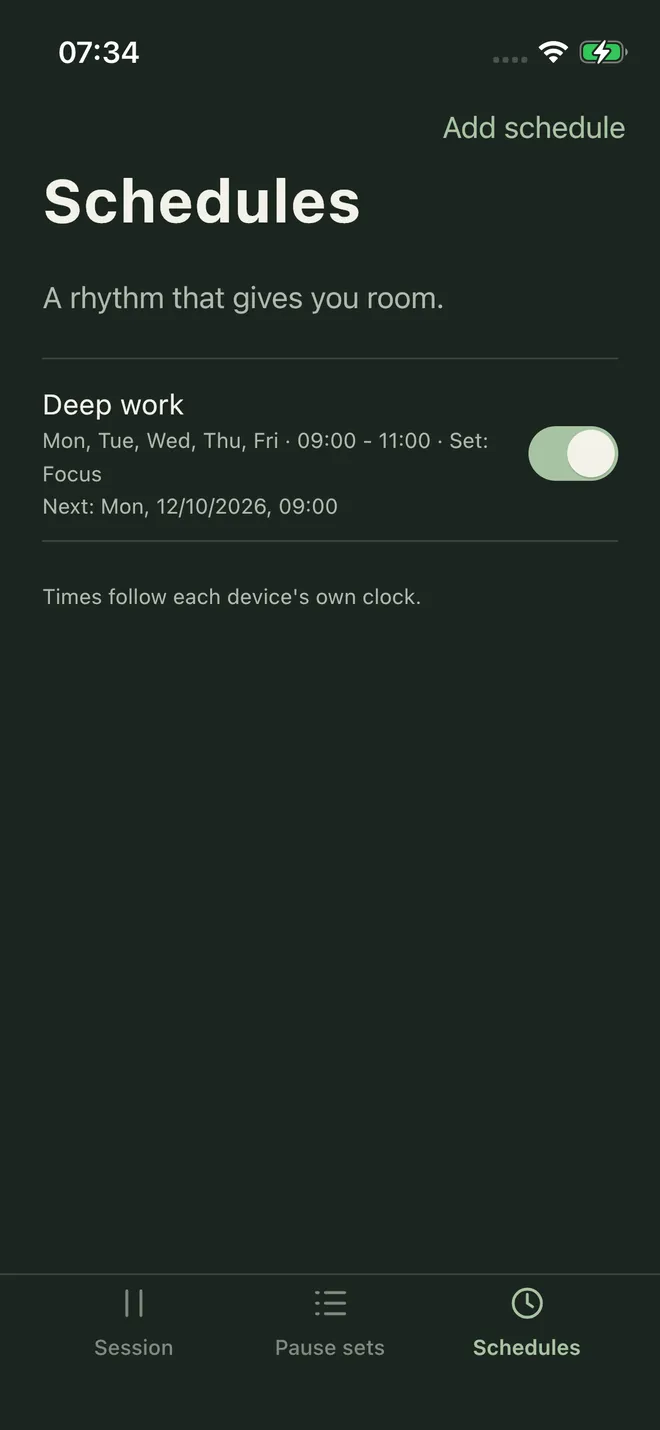
Screenshots are from the real apps and show sample choices.
Share the session with iCloud
Choose Sync with iCloud on one Mac and one iPhone signed in to the same Apple Account to share your pause sets with their websites, sessions, and schedules. No QR code or invitation is needed. Sync is best effort, so a change may arrive late or not at all. A session started on your iPhone blocks on the Mac only after you resume it there. Update Posato on every device: once one device runs Posato 1.3, devices on an earlier version stop syncing until they update.
Limits
Posato adds deliberate friction; it is not a lock you cannot open.
- Mac: blocking works while Posato runs, including in the menu bar with its window closed. Quitting Posato stops it and new scheduled starts. Blocking needs administrator approval; after the one-time setup, starts no longer ask for it. Paused apps are quit, so save your work before a session starts. Website blocking covers Safari and Google Chrome Stable while they use the system proxy settings.
- iPhone: Restrictions can linger after a session ends. For sessions under 15 minutes, they clear only when Posato is open at the end or the next time you open it.
- Sync: Sync is best effort; a change may arrive late or not at all. If every copy of your workspace key is lost, synchronized data cannot be recovered.
Read the full blocking and sync limits for browser coverage, VPN and Private Relay behavior, resuming after sleep, and data recovery.
Privacy
Posato's developer does not receive your data. Your pause sets, websites, app choices, sessions, and schedules stay on your devices. If you turn on iCloud sync, changes are encrypted on your device before they are stored in your private iCloud database. On Mac, update checks go to GitHub Releases only after you agree. See the privacy policy.
Availability
Posato 1.4 for Mac is a signed and notarized download from GitHub Releases:
Posato-1.4.0.dmg for Apple silicon and Posato-1.4.0-intel.dmg for an Intel Mac.
It can check for new releases after you agree, and installing an update waits until your session has ended. To move from Posato 1.0,
download the new version, quit Posato, and replace the application. The iPhone app is on the App Store. Posato targets macOS 13 or later on Apple silicon and Intel Macs, and iOS 18 or later; the platform matrix records what was checked, including that the Intel build was checked under Rosetta, not on an Intel Mac.